Image

AI image generation

Words or your photos in. Finished images out.

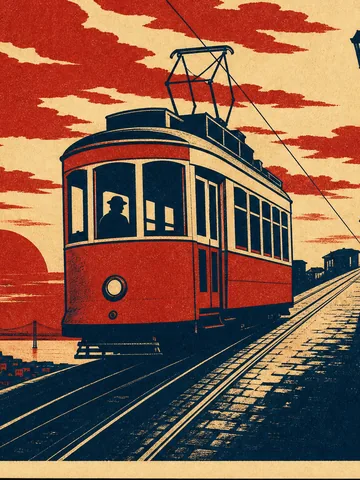
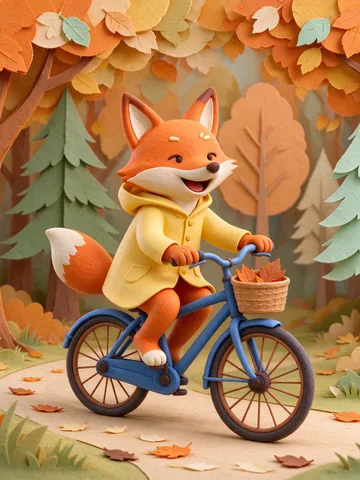
6 AI image models in one studio. Describe the picture on its own, or add your own pictures and characters as references, choose the shape and size, then download it or use it in a video.

What it includes

Everything for one picture, kept together.

  • Text to image, with or without your own pictures
  • 6 AI image models in one studio
  • Up to 16 reference pictures, depending on the model
  • Up to 15 shapes, and up to 4K on 4 models
  • Up to 4 pictures from a single press
  • Transparent background on 2 models
  • Every picture kept in your library for 30 days, longer on Starter and up
  • Download it, or use it as the first frame of a video
Connected production

Keep going without starting over.

Cut out the background, upscale the picture or turn it into a video in the same studio. One balance pays for the studio, the API and MCP, so your AI assistant can make images too.

  • StudioMake and edit
  • APIFrom your code
  • MCPFrom your AI assistant

one balance

  • Nano Banana Pro
  • Nano Banana 2
  • GPT Image 2
  • GPT Image 2.5
  • Seedream 5 Flash
  • Flux 2 Pro

Ways to start

Four ways to start an image.

  • Words only

    Describe the subject, the place and the light. The model makes the picture.

  • With your pictures

    Add up to 16 reference pictures, like a scene or a look you want, and the model works from them.

  • Your character

    Pick a saved character and the same face shows up in every picture.

  • Fix a photo you have

    Cut out the background, or upscale it up to 4x, sharper with the same look.

How it works

Three clear steps.

  1. Describe the image

    Write what should be in the picture: the subject, the place, the light and any words on it.

  2. Add references and choose the details

    Add your pictures or a character if you like, then pick the model, shape, size and how many, up to 4. The price in credits shows before you click.

  3. Use the result

    Download the image, keep it in your library or use it as the first frame of a video.

The models

Every model, one balance.

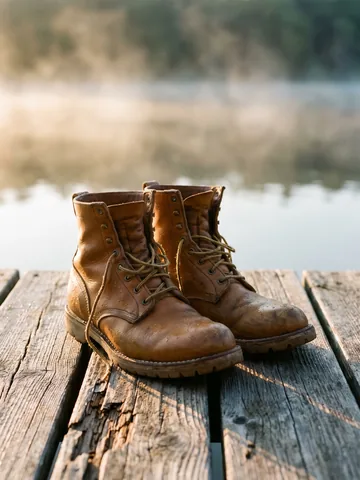
Each picture was made by the model it names. Press one to open that model.

Try it with your idea

Create your account and pick a plan: the credits come with it.